
Projects can be difficult to manage particularly in situations where there are a number of tasks, deadlines, and people involved. There are a lot of businesses, which find it hard to keep everything in order and track.od
Enterprise productivity and business AI applications such as Notion AI are coming in to save the day here. Notion AI facilitates teams in carrying out their projects more effectively through automation of tasks, management of workflows, as well as enhancing collaboration.
You do not have to manually monitor all the details but can use AI to streamline your project management process. This guide will teach you to use Notion AI to manage projects step-by-step.
What is Notion AI
Notion AI, a feature within Notion, is an artificial intelligence that aids in writing, organizing, and managing information.
It helps users:
- Create content
- Summarize information
- Organize tasks
- Automate workflows
- Improve productivity
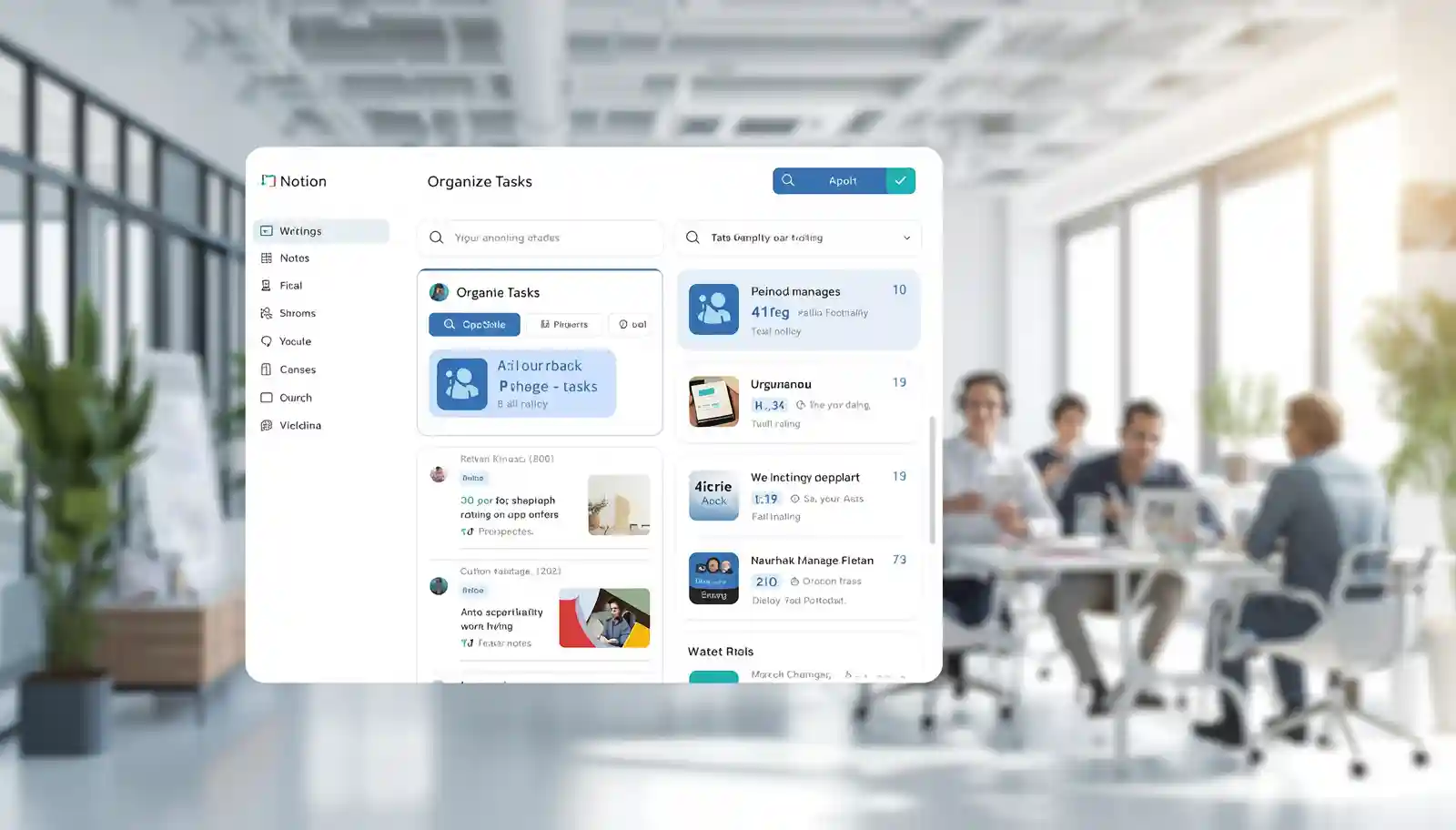
Notion AI is located within your workspace, and you can manage projects in the same location.
Why Use Notion AI for Project Management
Project management involves planning, and monitoring progress. These tasks are simplified by Notion AI.
Saves Time
AI is used to automate repetitive tasks such as writing updates and summaries.
Improves Organization
Brings all project data together.
Enhances Collaboration
More effective cooperation between teams is possible.
Reduces Errors
Automation helps avoid mistakes.
Increases Productivity
Teams are able to concentrate on valuable activities.
Key Features of Notion AI for Project Management
Notion AI provides a number of features that facilitate project management.
Task Management
Create and organize tasks easily.
AI Writing Assistant
Produce project descriptions and updates.
Summarization
Concisely summarize meeting notes and long documents.
Workflow Automation
Automate repetitive processes.
Database Management
Store and manipulate project data.
How to Set Up Notion AI for Project Management
Notion AI is easy to set up.
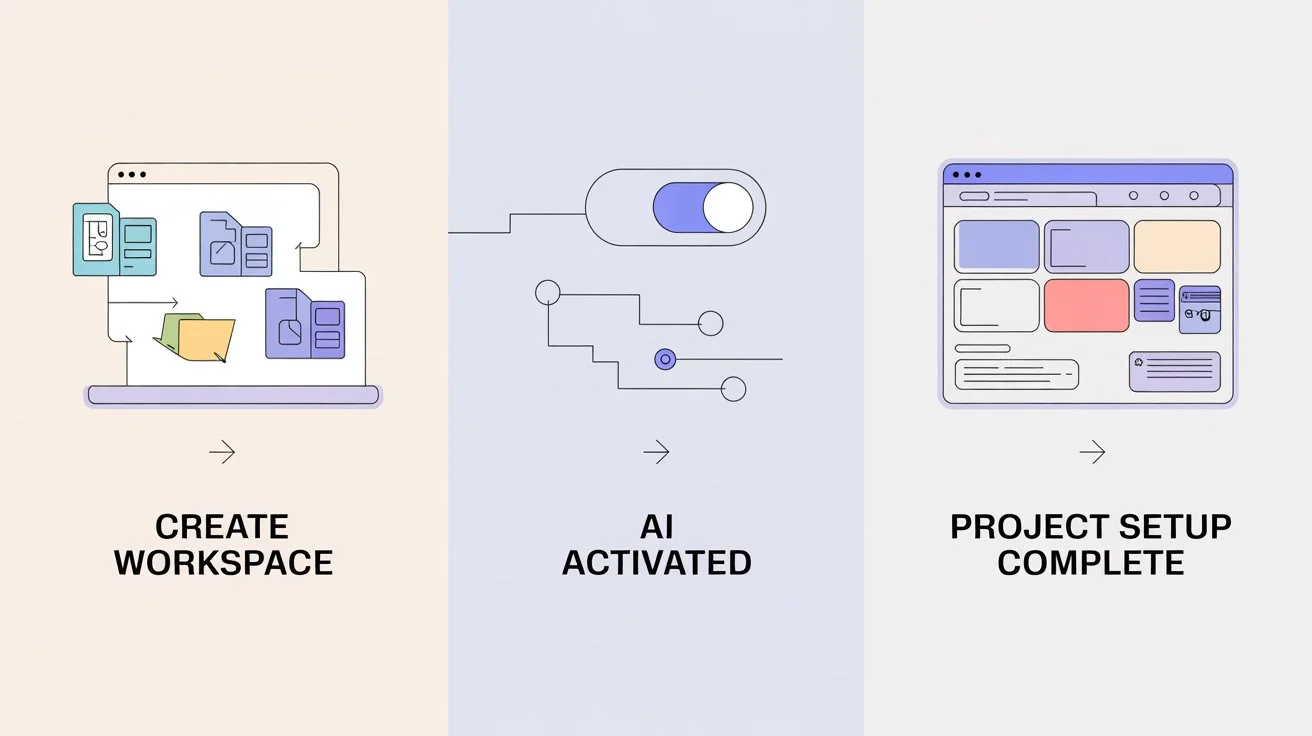
Step 1 Create a Workspace
Register on Notion and make your work place.
Step 2 Activate Notion AI.
Activate the AI feature in your account.
Step 3 Create a Project Page
Set up a page for your project.
Step 4 Add Tasks and Sections
Arrange activities, time, and subordinates.
Step 5 Apply AI Features.
Begin to write, summarize, and organize with AI.
Creating a Project Management System
An effective system assists in the management of projects.
Create Task Lists
Include all the project tasks.
Use Status Columns
Follow up such progress as To Do, In Progress, and Completed.
Assign Responsibilities
Give the group members assignments.
Set Deadlines
Include time constraints to stay on schedule.
Use Templates
Create reusable templates for projects.
Using Notion AI for Task Automation
There are a lot of tasks that can be automated with Notion AI.
Generate Task Descriptions
AI is able to compose clear task specifications.
Create Checklists
Create task checklists automatically.
Update Status
Monitor progress using AI suggestions.
Organize Data
Organize and arrange work effectively.
Using Notion AI for Meeting Management
Meetings are an important part of project management.
Take Notes Automatically
Write meeting notes concisely.
Summarize Discussions
Meeting summaries can be created by AI.
Highlight Key Points
Identify important decisions.
Create Action Items
Transform conversations into activities.
Using Notion AI for Documentation
Projects require documentation to be successful.
Create Project Plans
AI assists in composing comprehensive plans.
Write Reports
Create progress reports without difficulty.
Store Information
Store all the project data centrally.
Improve Clarity
AI enhances writing quality.
Improving Team Collaboration
Notion AI assists in making groups collaborate.
Shared Workspace
Information can be accessed by all team members.
Real Time Updates
The alterations can be observed immediately.
Clear Communication
AI helps create clear messages.
Task Tracking
Everyone is aware of their roles.
Tips for Using Notion AI Effectively
These tips will help achieve the best results.
Keep Structure Clear
Plan tasks and pages.
Use AI for Assistance
Allow AI to perform monotonous tasks.
Review AI Output
Always proofread and revise material.
Update Regularly
Maintain project information.
Train Your Team
Make sure that everybody is familiar with the tool.
Common Mistakes to Avoid
These are the pitfalls one should not make when using Notion AI.
Over Reliance on AI
Always check the content generated by AI.
Poor Organization
Maintain your work area tidy.
Ignoring Updates
Regular updates are important.
Lack of Training
Training of train team members.
Benefits of Using Notion AI for Business
There are numerous advantages to notion AI.
Increased Productivity
Complete tasks faster.
Better Organization
Keep all in the same place.
Improved Communication
Clear and effective collaboration.
Time Savings
Reduce manual work.
Scalability
Easily manage a variety of projects.
Role of Notion AI in Productivity and Business AI
An example of powerful productivity and business AI is notion AI.
It helps businesses:
- Automate workflows
- Manage projects efficiently
- Improve team collaboration
- Interpret and tabulate data.
This renders it a vital resource to contemporary companies.
Future of AI in Project Management
The world of project management is changing with AI.
In the future:
- AI will automate more tasks
- The tracking of the projects will be smarter.
- Teamwork tools will be enhanced.
- AI insights will be used in making decisions.
Early adopters of AI will have a solid edge.
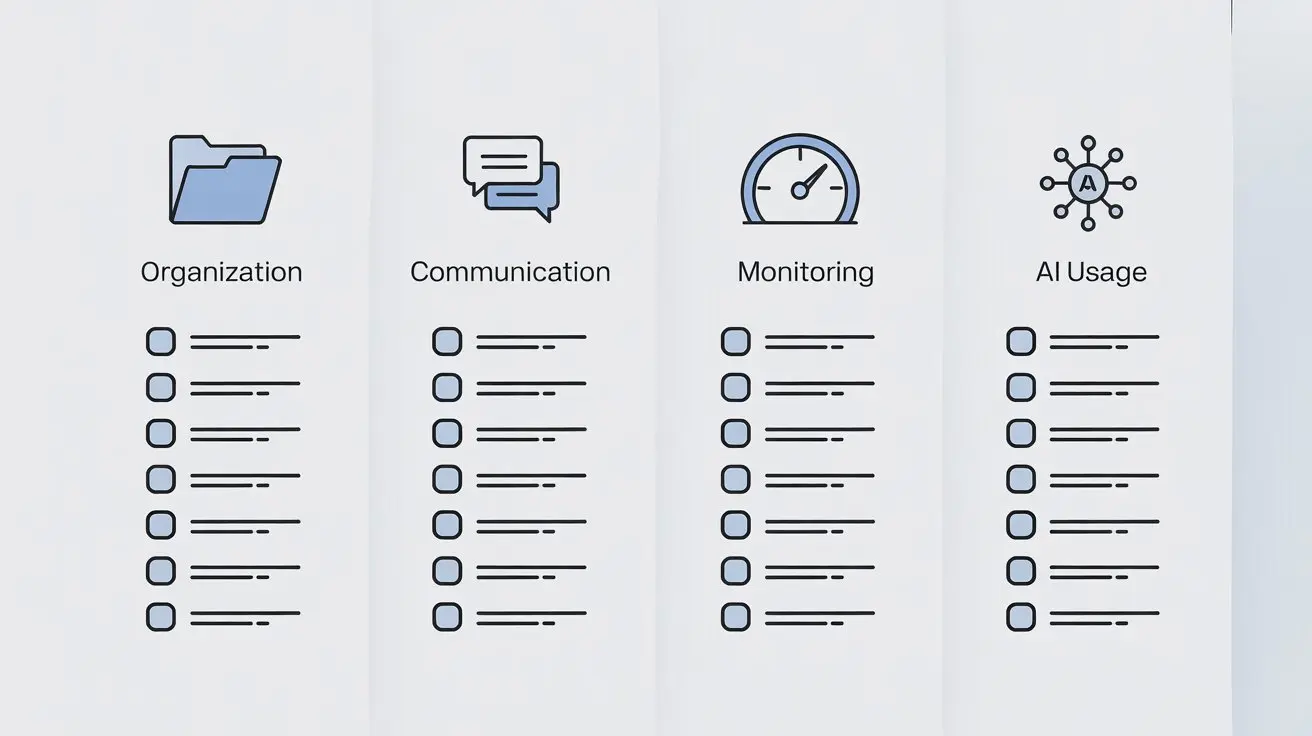
Best Practices for Project Management with AI
Adhere to the best practices.
- AI can be utilized to assist your workflow.
- Keep data organized
- Pay attention to effective communication.
- Integrate AI and human intelligence.
- Monitor project performance
Conclusion
Notion AI is an effective tool that will change the way you organize the work on projects. It assists in automatizing work, organization of work processes, and enhancing teamwork.
With the help of the notion AI, companies can save time, minimize mistakes, and enhance their productivity. It streamlines complicated processes and enables teams to concentrate on significant tasks.
However, it is important to use AI wisely. Always check AI-generated content and use it in conjunction with human input.
With the further development of AI, such tools as Notion AI will be necessary to project management. Knowing how to use them nowadays can provide you with a solid benefit in the future.
