In today’s digital world, visual content is more important than ever. High-quality images can be used to attract attention and create trust, whether it is through social media or websites and marketing campaigns. With the rise of Visual AI and multimedia, creating professional images is now easier than ever.
One of the most popular uses of Visual AI is creating realistic AI portraits. These portraits resemble actual human photographs but are created with the help of artificial intelligence. The most interesting thing is that you can make them free of charge and without any design skills.
In this guide, you will learn how to create realistic AI portraits step by step using simple tools and techniques.
What Are Realistic AI Portraits
Realistic AI portraits are pictures of human faces generated by artificial intelligence. These images are created according to text descriptions or input data.
AI tools study millions of real images to understand facial features such as:
- Skin texture
- Facial expressions
- Lighting
- Hair details
- Background elements
With this information, AI can create portraits that appear quite similar to actual photographs.
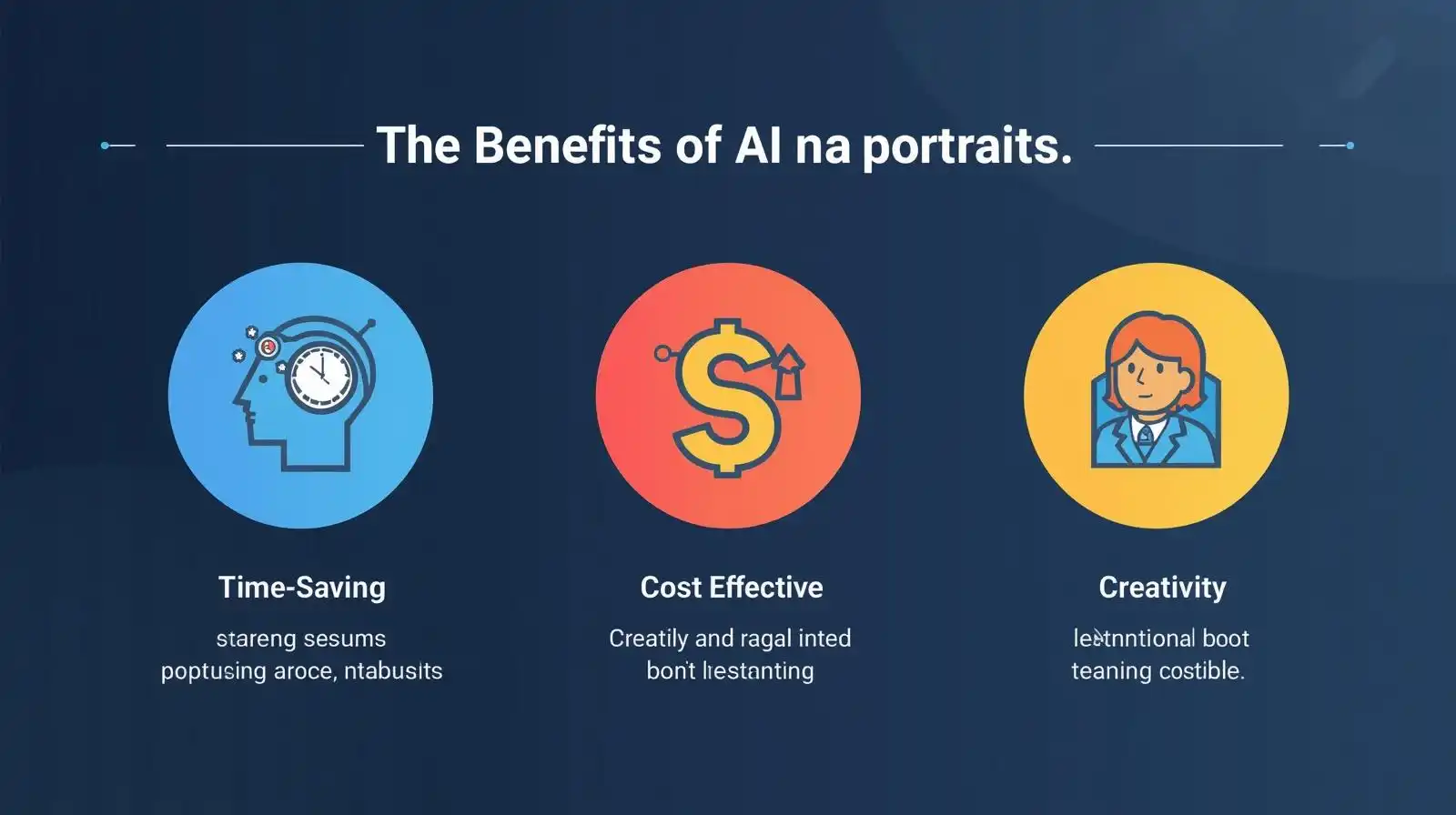
Why Use AI Portraits
There are numerous reasons why AI portraits are gaining popularity.
Easy to Create
No photography or design skills are required.
Saves Time
AI can generate portraits in seconds.
Cost Effective
You do not need to employ photographers or designers to create images.
Unlimited Creativity
You are able to make various styles, moods and characters.
High Quality Output
AI tools generate realistic and detailed images.
These advantages render AI portraits helpful to both amateurs and experts.
Best Free Tools to Create AI Portraits
You can find numerous tools that enable you to make realistic AI portraits without paying.
Some popular options include:
- DALL-E
- Midjourney
- Canva
These applications enable you to create images with the help of simple text prompts.
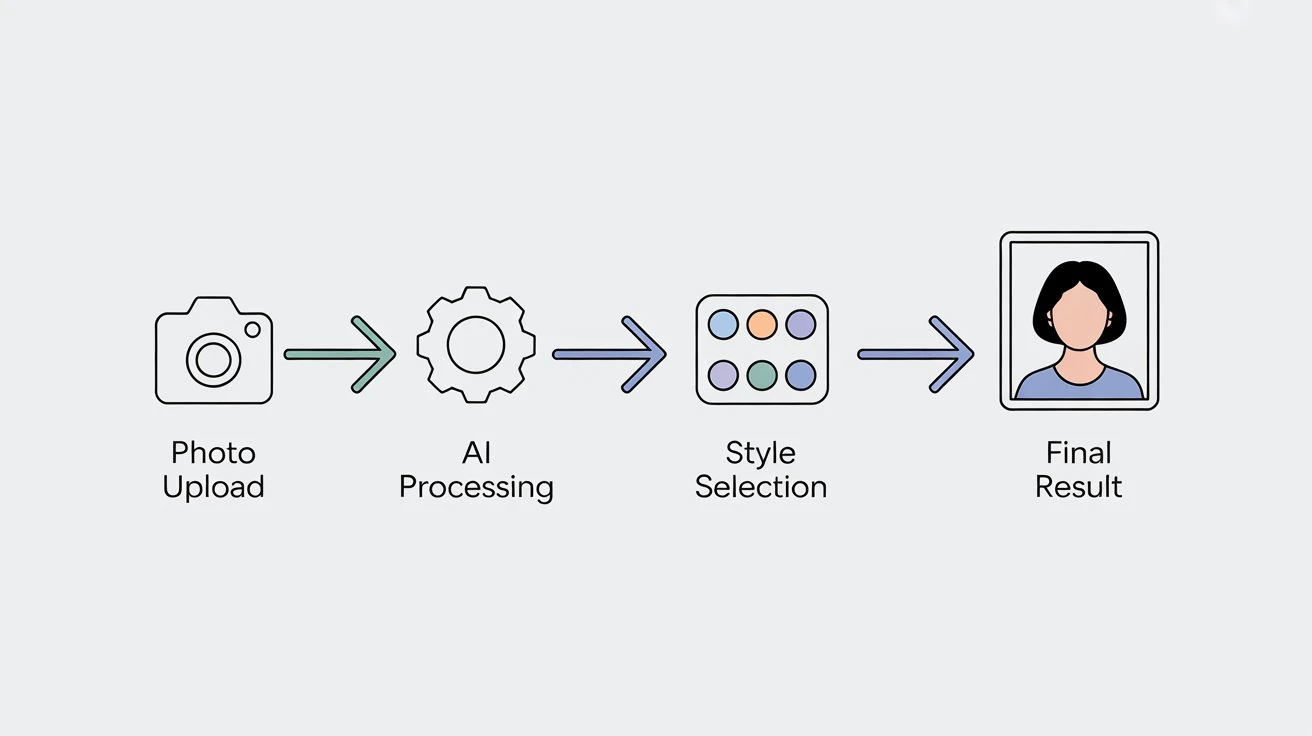
Step by Step Guide to Create Realistic AI Portraits
It is easy to create AI portraits when you do the correct steps.
Step 1 Choose the Right Tool
Start by selecting a free AI image generator that suits your needs.
Step 2 Write a Clear Prompt
Your prompt is the most important part. It informs the AI of the type of portrait to make.
Example prompt:
A natural light realistic portrait of a young man with a detailed skin texture and soft background.
Step 3 Generate the Image
Press the generate button and allow the AI to generate the portrait.
Step 4 Review the Output
Compare the picture and determine whether it is similar to your conception.
Step 5 Improve the Prompt
In case the outcome is not ideal, change your prompt and repeat.
Step 6 Download Your Image
After being satisfied, download and utilize the image.
Tips to Make AI Portraits More Realistic
These tips will help you achieve improved results.
Add More Details
Add information on age, light, background, and features.
Use Lighting Descriptions
Mention natural light, studio light, or soft light.
Focus on Facial Features
Include information such as eye color, skin color, and expressions.
Use Realistic Keywords
Words like “photorealistic”, “high resolution”, and “detailed” improve results.
Experiment Multiple Times
Experiment with prompts to achieve optimal results.
Common Mistakes to Avoid
Avoid these mistakes when creating AI portraits.
Vague Prompts
These are the pitfalls to avoid when developing AI portraits.
Ignoring Lighting
Lighting is important for realism.
Over Editing
Too many changes can reduce quality.
Low Resolution Settings
Always employ quality settings.
Not Reviewing Output
Always verify and correct your results.
Use Cases of AI Portraits
There are numerous applications of AI portraits.
Social Media Profiles
Design special profile pictures.
Blog Content
Include realistic pictures in your articles.
Marketing Campaigns
Use portraits in advertisements and promotions.
Website Design
Improve website visuals.
Digital Art
Create creative artwork.
How AI Portraits Help Content Creators
Visual creators require images on a regular basis. AI portraits save them time and enhance quality.
Faster Content Creation
Generate images quickly.
Better Engagement
Users are more attracted to visual content.
Cost Savings
No need to spend a lot of money on photoshoots.
Creative Freedom
Design original and personalized pictures.
This makes AI portraits a powerful tool for modern content creation.
Role of AI Portraits in Branding
Branding can also be achieved with AI portraits.
They can be used by businesses to:
- Team profile images
- Marketing visuals
- Website graphics
- Brand storytelling
Using consistent style in AI portraits helps maintain brand identity.
Future of AI Portrait Generation
The technology of AI portraits is advancing rapidly.
In the future:
- Photographs will be more lifelike.
- AI will comprehend prompts more.
- Customization will increase
- Tools will become easier to use
AI portraits will become a standard part of digital content.
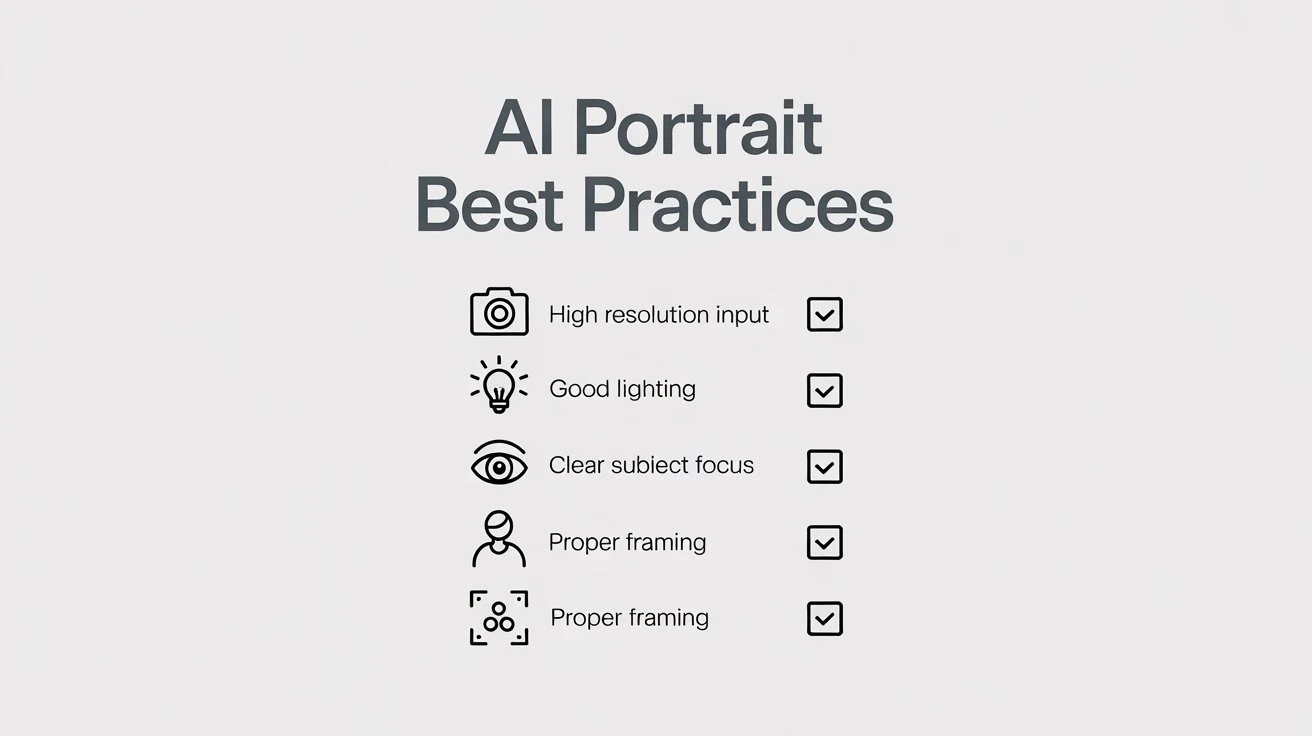
Best Practices for Using AI Portrait Tools
To get the best results, follow these practices:
- Write specific and elaborate prompts.
- Always check the image generated.
- Combine AI with your creativity
- Be consistent in style.
- Use high-quality settings
These steps help improve output quality.
Conclusion
It is now easy and free to create realistic AI portraits. With the help of Visual AI and multimedia tools, you can generate high-quality portraits without any technical skills.
AI portrait tools are time-saving, cost-effective, and enable unlimited creativity. These tools can assist you in creating engaging visual content whether you are a content creator, marketer, or a business owner.
However, it is important to use AI wisely and combine it with human creativity. The most effective outcomes are achieved when you direct AI with clear thoughts and refine the output.
With the further development of AI technology, it will be even more convenient and more powerful to create realistic portraits. Knowing these tools nowadays can provide you with a powerful edge in the digital world.
