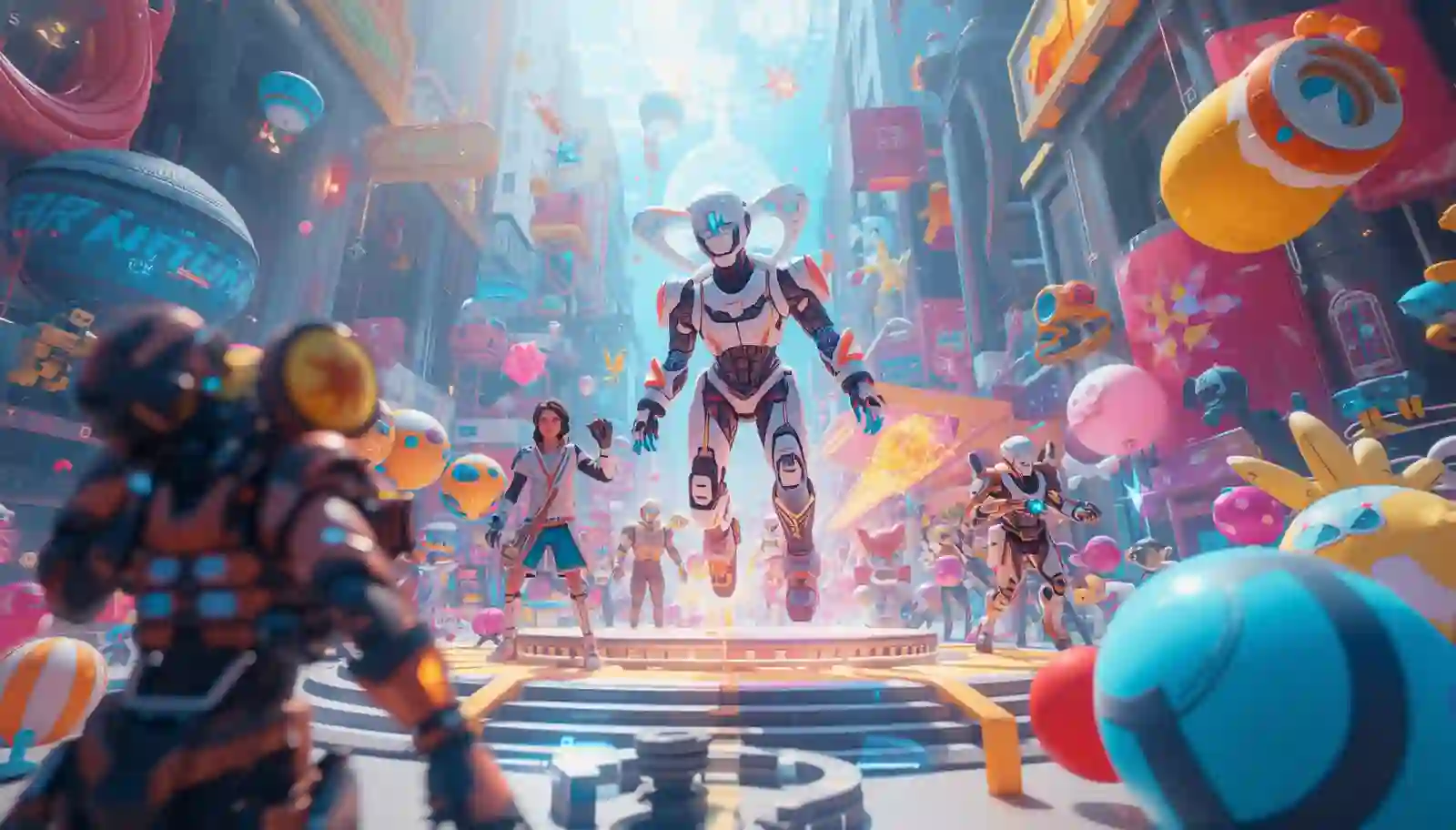
The gaming industry is growing rapidly, and high-quality visuals are a key part of every successful game. The process of creating AI 3D objects was once a complex task that demanded sophisticated design tools, costly software, and time.
Today, through vi, game developers and creators can create 3D assets easily and fast with the assistance of artificial intelligence.
Models, textures, and environments can be created with little effort using AI tools. This simplifies the process of game development and makes it more accessible even to beginners.
This guide will teach you to make 3D objects with AI to use in games using easy techniques and tools.
What Are AI 3D Objects
AI 3D objects are computer-generated models based on artificial intelligence. These items may consist of characters, environments, props, and other game resources.
Machine learning is applied to shapes, textures, and structures by AI tools. Based on input data or prompts, they generate 3D models automatically.
These objects are used in:
- Video games
- Virtual reality environments
- Simulations
- Animation projects
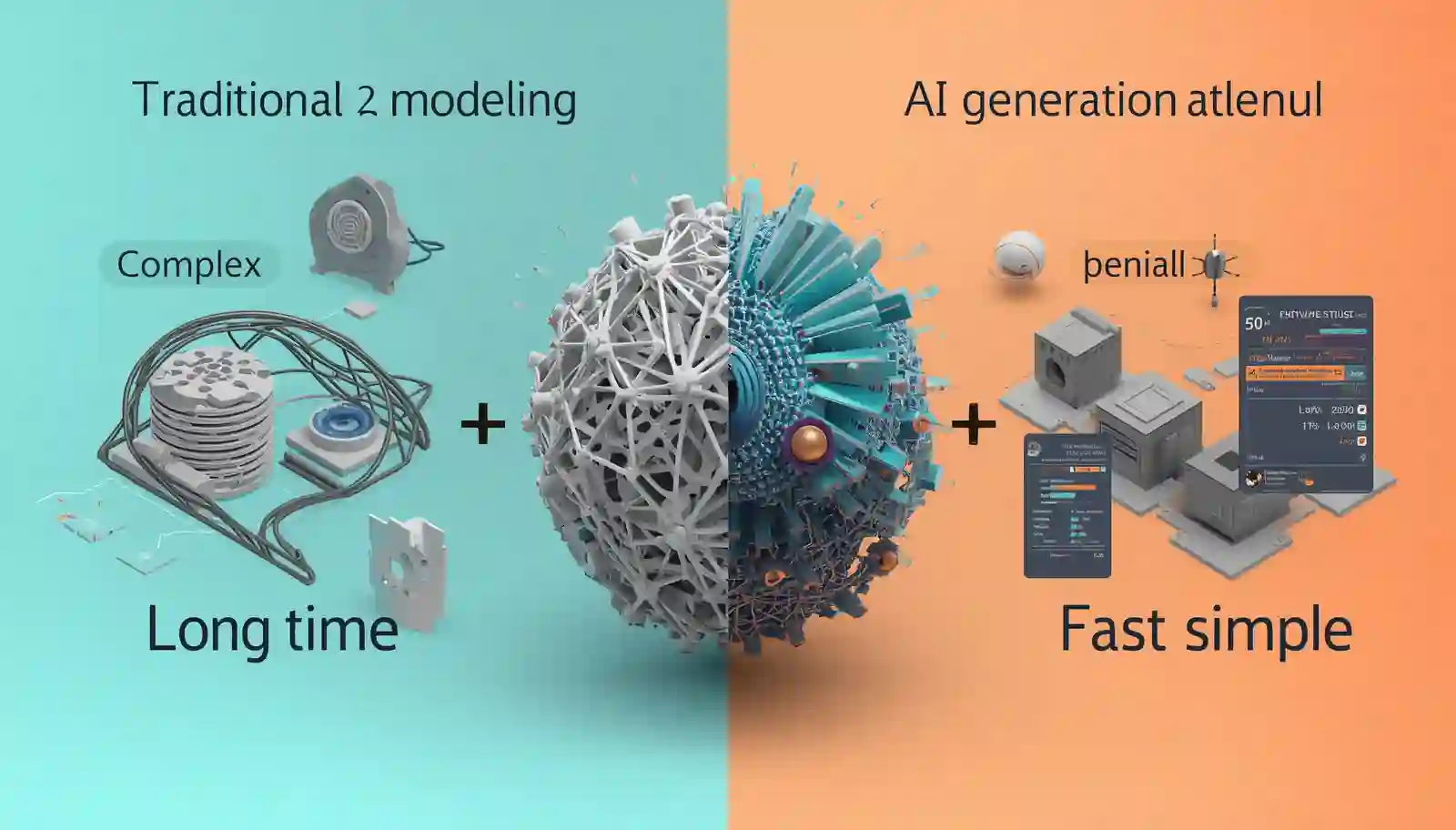
Why Use AI for 3D Object Creation
AI is transforming the way 3D models are made. It has numerous benefits.
Faster Development
AI is able to produce models within minutes rather than hours.
Easy for Beginners
No advanced 3D modeling skills are required.
Cost Effective
Reduces the need for expensive designers.
High Quality Output
Produces realistic and detailed models.
Creative Flexibility
Enables rapid testing of various designs.
Best AI Tools for Creating 3D Objects
A number of tools are used to generate AI-generated 3D models.
Some popular options include:
- Spline
- Luma AI
- Runway ML
These are used to create, edit and polish 3D objects to use in games.
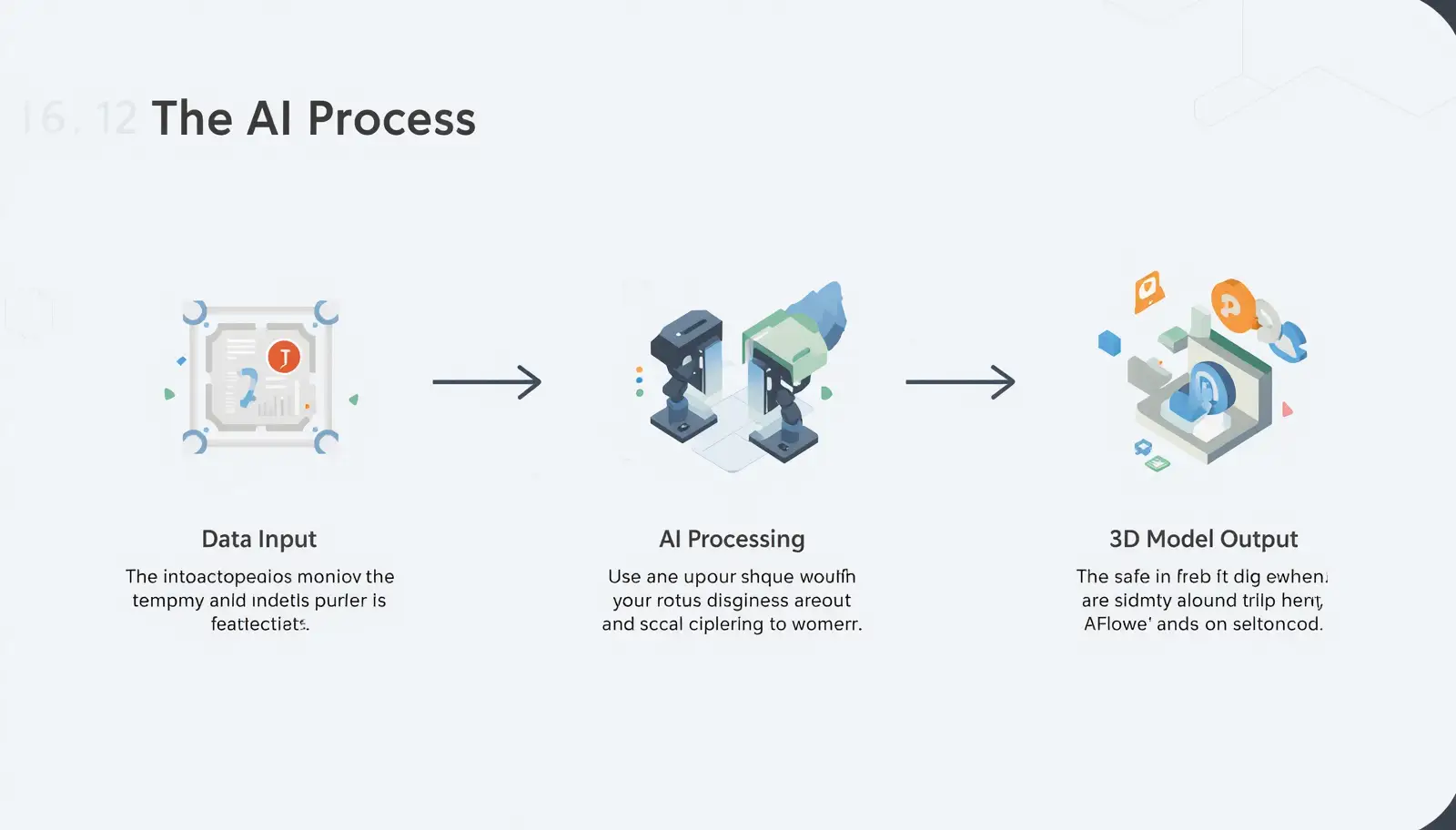
How AI 3D Object Creation Works
AI tools are based on sophisticated technologies like machine learning and 3D rendering.
It typically involves:
Data Learning
AI learns from thousands of 3D models and images.
Input Processing
User gives text prompts or images.
Model Generation
AI creates a 3D object based on input.
Refinement
The model can be edited and enhanced by users.
This process simplifies and accelerates 3D creation.
Step by Step Guide to Create AI 3D Objects
These are the steps to make 3D objects in gaming.
Step 1 Choose an AI Tool
Choose a tool that is 3D modeling.
Step 2 Provide Input
Insert text prompts or reference pictures.
Example:
Futuristic robot with metallic texture in 3D.
Step 3 Generate the Model
Allow the AI to generate the object.
Step 4 Review the Output
Check if the model meets your needs.
Step 5 Edit and Refine
Modify textures, shapes, and details.
Step 6 Export the Model
Get the file and incorporate it into your game engine.
Tips for Creating High Quality 3D Objects
These tips will help you to achieve better results.
Use Detailed Prompts
Include descriptions to enhance output.
Focus on Textures
Name such materials as metal, wood, or fabric.
Keep Models Optimized
Make sure that the model is not excessively heavy to play.
Test in Game Engine
Test the functionality of the object in your game.
Experiment with Variations
Experiment with prompts to achieve improved results.
Common Mistakes to Avoid
These are the pitfalls to avoid when creating 3D with AI.
Vague Inputs
Unclear prompts lead to poor results.
Ignoring Optimization
Heavy models can slow down games.
Not Testing Models
Never use without testing.
Over Complication
Keep designs simple and efficient.
Use Cases of AI 3D Objects in Gaming
The 3D objects created by AI can be utilized in numerous ways.
Game Characters
Design special player or NPC models.
Environments
Create backgrounds and landscapes.
Props and Items
Generate weapons, tools, and objects.
Virtual Worlds
Create immersive game worlds.
Role of AI 3D Design in Visual AI and Multimedia
AI 3D modeling is an important part of Visual AI and multimedia.
It helps in:
- Creating interactive content
- Enhancing game visuals
- Reducing development time
- Supporting creative workflows
This renders AI useful to developers and designers.
Benefits for Game Developers
AI tools offer numerous advantages to developers.
Faster Production
Create assets quickly.
Reduced Costs
Reduced requirement of huge design teams.
Improved Creativity
Easily test various ideas.
Scalability
Generate large numbers of assets.
Future of AI in Gaming and 3D Design
The future of gaming is being influenced by AI.
In the coming years:
- AI will develop worlds that are completely interactive.
- The 3D modeling will be more automated.
- The development of games will be accelerated.
- Realism in games will improve
AI will keep revolutionizing the gaming industry.
Best Practices for Using AI 3D Tools
Follow these practices for better results.
- Use clear prompts
- Keep models optimized
- Test in real environments
- Combine AI with manual editing
- Concentrate on quality and performance.
Conclusion
It is now easier and faster to create 3D objects using AI to play games. With the help of Visual AI and multimedia tools, developers can generate high-quality game assets without advanced skills.
AI tools are time-saving, cost-effective, and productive. They enable creators to concentrate more on creativity and less on technical issues.
With the further development of AI technology, it will be even more involved in the development of games. Today, knowing how to use AI to create 3D objects can provide you with a powerful edge in the future of gaming.